
Updated September 29, 2026
You're switching IT firms, or replacing antivirus software that got too expensive, and you want to know whether it means paying for a new CMMC assessment. Usually not. A new assessment comes when what you protect changes. Swapping the tools that protect it is covered by your yearly sign-off. The real risk is the few weeks of changeover, when protection can quietly lapse.
CMMC is DoD's program for checking that its suppliers protect sensitive defense information, and an assessment covers a defined set of people, computers, and services, called your boundary or scope. DoD put the line plainly in the final rule. "Significant architectural or boundary changes," such as expanding the network or buying another company, need a new assessment. Operational changes inside the existing boundary that follow your existing System Security Plan (the SSP, the document describing your systems) "do not require a new assessment, but rather are covered by the annual affirmations" (final rule, 89 FR 83092).
So: one brand of EDR (endpoint detection and response, the antivirus-and-monitoring software on each laptop) swapped for another on the same eighteen laptops is operational. A new provider that now stores CUI (controlled unclassified information: the drawings, specs, and technical data the government marks as sensitive) where the old one didn't, or a new building joining the network, is a boundary change.
The weeks in between
Every year a senior person at your company, the Affirming Official, states to DoD in SPRS, its supplier-risk website, that you "have implemented and will maintain implementation" of the requirements (32 CFR 170.22). If two laptops sat unprotected for a week in March, or a year of logs disappeared with the old vendor, that statement is false and it has your owner's signature on it. False statements to DoD are what False Claims Act cases are made of. The annual affirmation
A cutover sheet to hand your IT lead
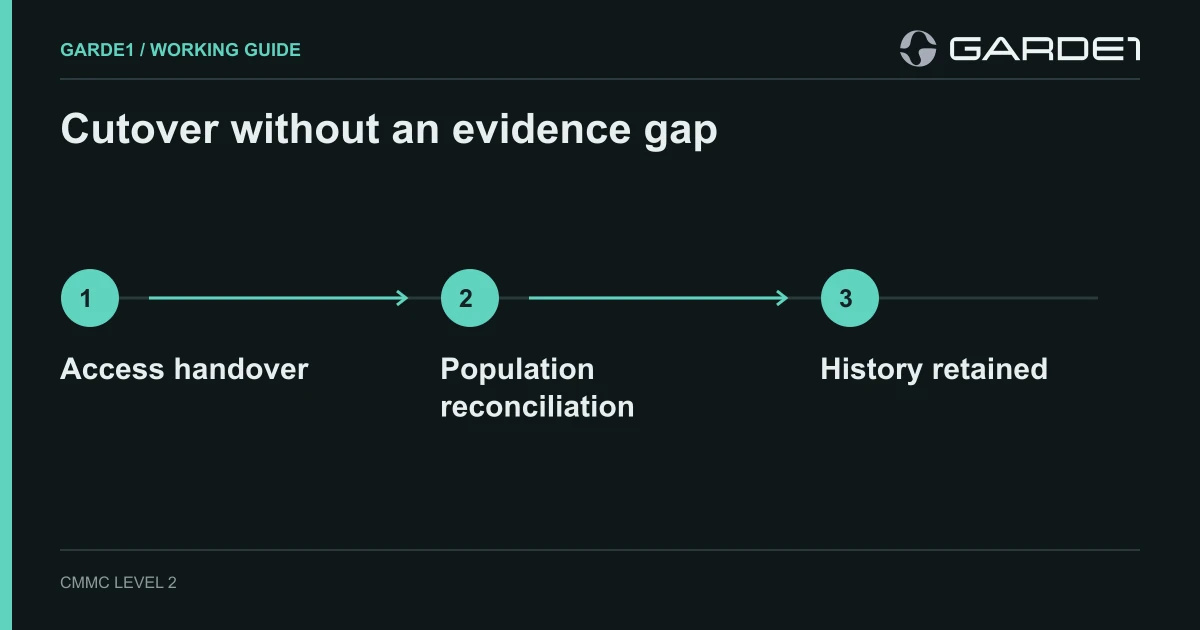
A 30-person shop moves from MSP-A to MSP-B (MSP: managed service provider, the outside IT firm), and from one EDR product to another on eighteen engineering laptops. The owner needs to know one thing about this table: don't cancel the old contract until every cell in the right column is true.
| Before you start | Before you cancel the old contract | |
|---|---|---|
| Admin access | List MSP-A's named accounts, its remote-management agent, its delegated admin relationship, and any app secrets | MSP-B's named admins work; each item on the left is removed and checked |
| Devices | Export the list of eighteen covered laptops | All eighteen report healthy in the new console |
| Logs | Export audit logs and alert history with dates | You can open one alert from last January in the archive |
| Alerts | Name the person who handles alerts during the overlap | A test alert reached that person's phone |
Count laptops that are working, not installs. If sixteen report in under the new policy, one is installed but unhealthy, and one has been switched off since August, the answer is sixteen confirmed and two open, each with an owner. The deployment tool saying "18 attempted" doesn't close the ticket.
Prove it catches something with the EICAR test file, a harmless file that every antivirus product is built to flag (EICAR). Drop it on one laptop and time how long it takes a human at MSP-B to call you. An email landing in a shared inbox at 2am proves the product works. It doesn't prove anyone responded.
Keep what you'll be asked for
Before the old contract ends, export the audit logs, alert history, incident records, and saved configuration settings. If you've ever reported a cyber incident to DoD, the DFARS 7012 contract clause requires you to keep images of the affected systems for at least 90 days from the report (48 CFR 252.204-7012(e)). Check that the old vendor's retention won't delete them first. Logging that holds up
Then update the SSP, the asset inventory, the provider responsibility matrix, and your written procedures in one sitting, and keep the old versions. If the new provider now sees CUI the old one never did, you've changed your scope. Check it against the rule before your next affirmation, and ask your assessor if you're unsure.
Old admin access has a habit of surviving provider changes. The week after cutover, run the checks in admin paths that pull systems in.