
Updated September 29, 2026
Your project lead found a reporting add-on in the Microsoft app marketplace. The listing says "CMMC-ready," it costs $12 a user, and she wants it connected to the engineering files by Friday. Should you click Accept?
Not yet. "CMMC-ready" has no official meaning. CMMC is DoD's program for checking that suppliers protect sensitive defense information, and it certifies companies, not apps. The label might describe a checklist the vendor wrote about itself, a setup guide, or a real independent review. It tells you nothing about the two things that decide whether the app belongs near your CUI (controlled unclassified information: the drawings, specs, and technical data the government marks as sensitive). What can it read? And where does it send what it reads?
The stakes are larger than $12 a user. If the app copies your drawings to a cloud that doesn't meet DoD's rules, you've broken the security clause in your contract, and the files are now somewhere you can't get back. Your "approved boundary" is the set of people, computers, and services you've told DoD and your customers will hold CUI. Clicking Accept can quietly add a company you've never vetted to that list.
Start with the permission screen
When an app connects to Microsoft 365, it shows a screen listing what it wants to read. This is where most apps fail, and checking takes thirty seconds. The permission names below are what you'll see on that screen; the right column is what they mean.
| Permission requested | What it actually reaches |
|---|---|
Files.Read.All or Sites.Read.All (application) |
Every file in every SharePoint site and OneDrive in your company's Microsoft 365 |
Mail.Read (application) |
Every mailbox |
Sites.Selected |
Nothing, until an admin grants it specific sites one at a time |
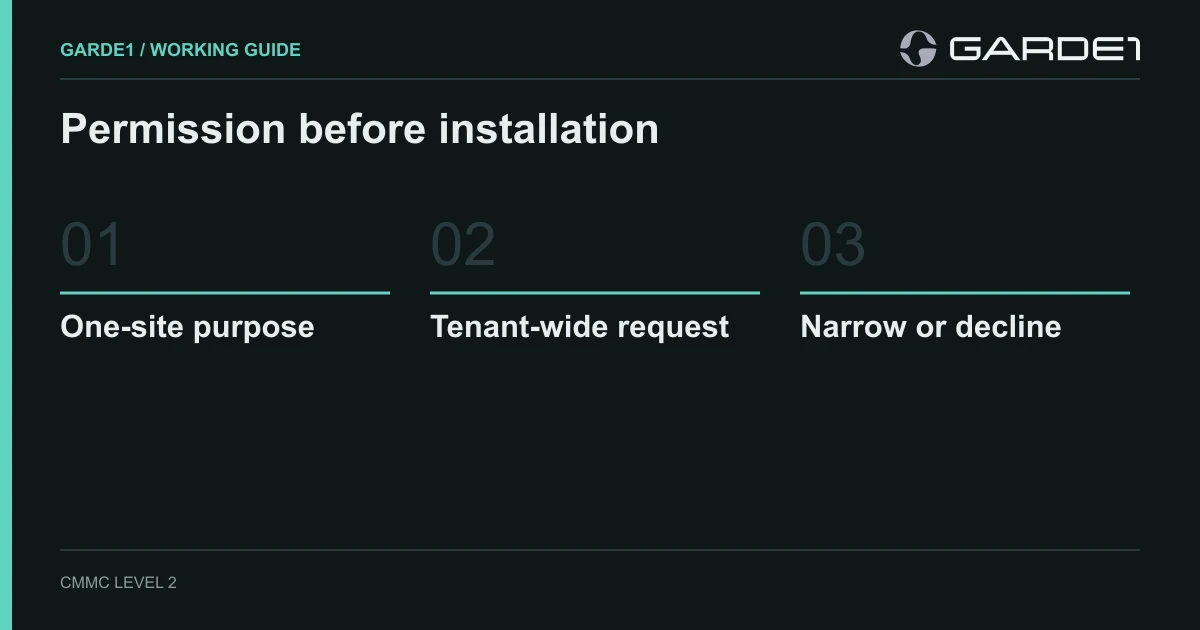
That reporting add-on needs one site. If it asks for Files.Read.All, it can read finance, HR, and every CUI folder you own. Ask the vendor whether it supports Sites.Selected. With that permission the app starts with access to nothing, and an admin grants it the single site it needs. If the vendor says no, you've learned how much thought went into "CMMC-ready" (Microsoft: Selected permissions in SharePoint and OneDrive).
While you're at it, stop employees from approving apps on their own.
For your Microsoft 365 admin: in the Entra admin center, go to Enterprise apps → Consent and permissions → User consent settings and select Do not allow user consent. Apps people already use keep working; new ones go to an admin. On the same page, turn group owner consent off, or team owners can still approve apps against their team's files (Microsoft: configure user consent).
Google Workspace shops have the same switch under API controls; it's one row in the Google Workspace setup for CUI.
Then ask where the data goes
A narrow permission only limits what the app can read. After that, your drawings leave the Microsoft 365 boundary you set up for CUI for the vendor's own cloud, and the DFARS 7012 clause in your defense contracts cares about that cloud. It has to meet FedRAMP Moderate, the government's cloud-security standard, or an equivalent. Ask the vendor four things in writing:
- Its FedRAMP Moderate basis for this product, not for the Azure or AWS data center it runs in, plus its matrix of which security jobs stay with you.
- Whether it will accept the clause's incident terms: report within 72 hours, keep evidence for 90 days, give DoD access for investigation.
- Every place your data lands, including backups, logs, and support tools.
- How you revoke its access and get your data deleted.
What counts as FedRAMP Moderate equivalent
If the answers don't come back, the app stays away from CUI work. It can still report on the marketing site.
Try it on a dummy site
Create a SharePoint site with a few harmless files. Grant the app Sites.Selected on that site only, and run the feature your project lead actually wants. Then open the app's Permissions page under Enterprise apps to confirm it holds only what you granted, and look in the vendor's own portal to see what it copied.
If it all holds up, write the approval as one line and file it:
Approved: [app], application ID [GUID],
Sites.Selectedread on [site] only. Owner [name]. Approved [date]. Review when the app requests new permissions, or in 12 months.
Record the application ID, the long code Microsoft assigns the app, not its display name. Vendors rename apps. The ID stays the same, so next year's review finds the right one.
If the app adds a new cloud service to your setup mid-year, check whether that changes your scope. When a vendor change matters