
Updated September 29, 2026
A Customer Responsibility Matrix (CRM) is a spreadsheet your cloud provider publishes that says, for each security requirement, who does the work: the provider, you, or both of you. "Inherited" means the provider does it and you point to their proof. "Shared" means each of you does part. "Customer" means it's all yours.
It matters because of CMMC, DoD's security program for its suppliers. If you handle CUI (controlled unclassified information: the drawings, specs, and technical data the government marks as sensitive), you have to meet 110 security requirements, and an assessor checks each one. Many of them are partly covered by Microsoft, Google, or whoever hosts your email and files, provided that host meets FedRAMP Moderate. The matrix is how you find out which parts, and it's the document an assessor expects you to hand over when you say "our provider does that."
The failure we see most is a company that writes "Google Workspace" or "Microsoft 365" in its System Security Plan (the SSP, the document describing your systems) and assumes the provider covers access control. The provider covers its part. The part where someone decides who should see the drawings, and checks that list every quarter, was always yours. An assessor marks that requirement not met, and you learn it on assessment day.
Three real rows from Google
Google publishes a CMMC configuration guide and matrix for Workspace Enterprise Plus with Assured Controls Plus (Google Workspace CMMC Level 2 guide, Feb 2025). Here's what it says about three requirements, and what that means you actually do on a Monday morning. The number in the first column is for your IT person and the assessor; the last column is the one to read.
| Requirement | Google says | Your part |
|---|---|---|
| Only approved people get access (3.1.1) | Shared | Keep a list of who is approved, and check it against the real Workspace accounts |
| Idle screens lock (3.1.10) | Customer | Set a screen lock on every laptop through your device management; Google doesn't manage your laptops |
| Visitors are escorted (3.10.3) | Nothing for Google's data centers. Your own office still needs a visitor log. |
Look at the last row. "Inherited" covers only the provider's buildings. You still owe it for yours. Google's full tally across all 110 requirements works the same way.
One requirement, several answers
Assessors don't grade a requirement in one piece. They grade its objectives, the specific statements that each have to be true, and a single requirement can split across them. PreVeil's matrix for 3.1.1 marks three objectives as shared: identifying authorized users, limiting access to them, and limiting access to authorized devices. It marks the other three as inherited, the parts about identifying processes and devices that its software handles (PreVeil's matrix, 3.1.1 rows). So "PreVeil covers access control" is half true, and the assessor will test the other half.
Microsoft's version is broader
Microsoft's shared-responsibility model works by type of service, not requirement by requirement. For software like Microsoft 365, it lists your data, your settings, and your user accounts as always yours. Laptops, phones, and apps are shared. The network, the servers' operating systems, and the physical data center are Microsoft's (Microsoft: shared responsibility in the cloud).
That tells you where the line sits, but it doesn't give you requirement-level rows. For those, use the CMMC materials for the exact edition you bought. Microsoft's documentation for GCC High, its government cloud, doesn't describe a regular commercial tenant (Microsoft and CMMC).
Turning a shared row into work
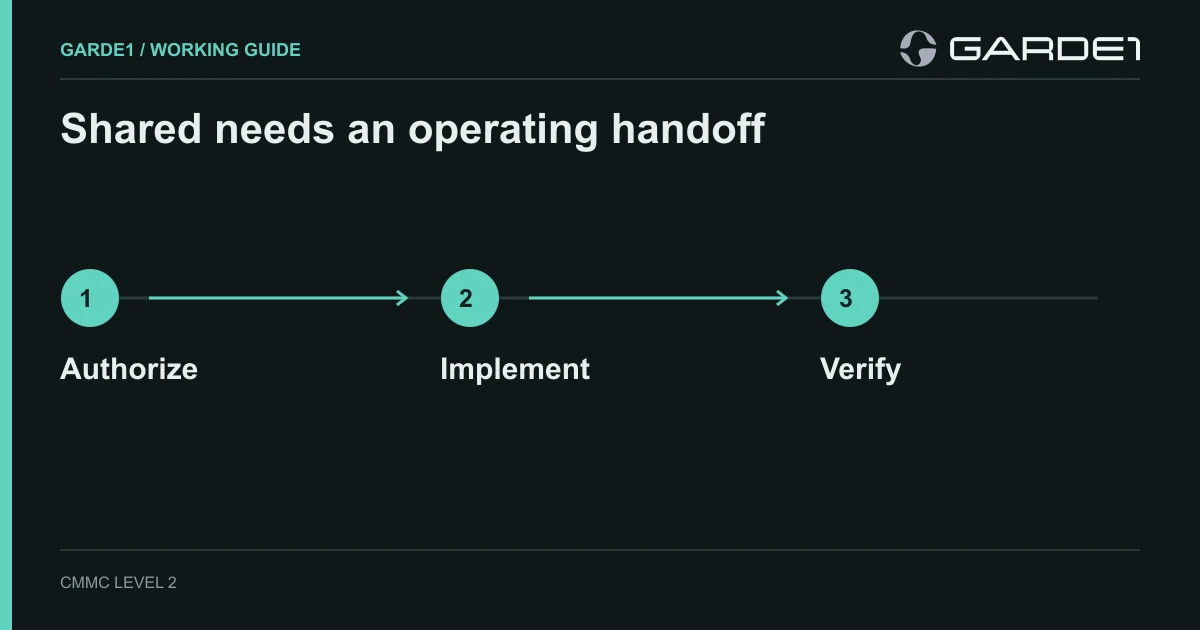
A shared row only counts when a person's name and a date sit next to it. Here's the access requirement at a 25-person shop with an MSP (managed service provider, the outside IT firm). The engineering manager approves each person's access in a ticket. The MSP adds the account to the right group and notes it in the same ticket. Every quarter, the office manager exports the group's member list and compares it with the approved list, and anything that doesn't match gets fixed or explained. The provider's matrix row, with its page number, goes in the same folder as that export.
Assessors ask for that quarterly comparison. An approval email alone won't satisfy them, and neither will a closed MSP ticket. How to run the access review
Collect the matrix for every service that touches CUI: email and files, servers you rent in AWS GovCloud, backup, antivirus and endpoint protection, and your MSP's remote-support tools. A provider that can't produce one has, in effect, made every row yours. Keep each provider's rows separate, with the source and page. A merged "cloud matrix" loses exactly the citations an assessor asks for. If your MSP has no matrix at all, start with this division of work.