
Updated September 30, 2026
In February 2025, a commenter on r/CMMC wrote that "ProShop's cloud-based service is not CMMC compliant, despite them claiming that it is" (r/CMMC). In July 2026, ProShop published an independent assessment of a new government cloud. Both statements were fair when they were written. That's the problem with asking "is our ERP CMMC compliant?" The vendor's answer changes, the forum's answer lags, and neither one tells you where your drawings are sitting tonight.
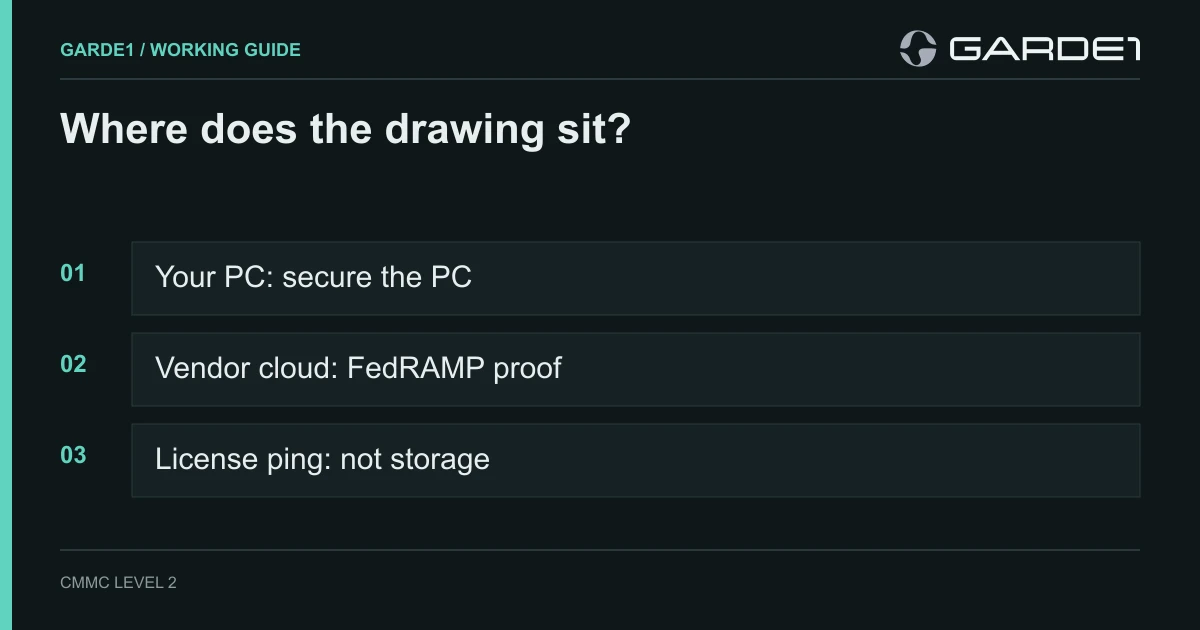
Ask a different question: where does the drawing file physically sit, and who runs that computer? If it's a PC or server you own, the software is inside your boundary and you secure it like everything else. If the vendor hosts it, the vendor's cloud has to meet the government's FedRAMP Moderate security standard or prove it's equivalent. "GovCloud," "CMMC-ready," and "ITAR-compliant" on a product page don't prove either.
A few terms. CUI (controlled unclassified information) is the drawings, models, and specs the government marks as sensitive. CMMC is the Pentagon's program for checking that suppliers protect it. FedRAMP is the government's approval program for cloud services, and FedRAMP Moderate is the level your contracts point to for any cloud holding CUI (DFARS 252.204-7012, paragraph (b)(2)(ii)(D)). ERP is your job system: quotes, travelers, purchasing, shipping. PDM is the vault that tracks CAD files and revisions.
Where each kind of software lands
Print this and put your own software in the first column.
| Software | Where the drawing sits | What it means for you |
|---|---|---|
| Desktop CAM: Mastercam, Esprit, SolidCAM | Your programmer's PC | The PC is fully in scope: encrypted, managed, multi-factor login. Turn off the software's cloud and crash-upload features. |
| SolidWorks desktop with a PDM vault on your server | Your PCs and your server | Both in scope. Split the vault so commercial jobs stay out. |
| ERP or MES installed on your own server | Your server, if drawings are attached | In scope with the drawings. Without them, it holds job data, not CUI. |
| ERP hosted by the vendor | The vendor's cloud | Needs FedRAMP Moderate authorization or full equivalency evidence. Otherwise, keep drawings out and store a job-number link. |
| Autodesk Fusion | Autodesk's cloud | Keep controlled work off it. |
| 3DEXPERIENCE public cloud | Dassault's cloud | Keep controlled work off it; private-cloud and on-premises versions exist. |
| A license that checks in online | Nothing, if it sends only license data | Fine. Get what it sends in writing. |
The ERP row is the one to get right, because it's the easiest to fix. Most shops attach the drawing PDF to the job out of habit, often starting at the quote. The ERP needs the part number, revision, quantity, and due date. It doesn't need the geometry. Store the drawing in your controlled file location and put its path or job number in the ERP, and the ERP question goes away.
Myth: "Our ERP is CMMC-ready, so we're covered." No software is CMMC certified. Companies get assessed; products don't. The best a hosted vendor can give you is a FedRAMP authorization or an equivalency package, plus a written split of which security requirements it handles and which stay with you. You still own the rest of the 110.
The ERP vendors shops ask about
These are what each vendor says publicly as of September 2026, and what we could and couldn't confirm. We checked each against the FedRAMP Marketplace, the government's list of authorized cloud services. None of the four ERP vendors below is listed there.
ProShop. ProShop's FedCloud runs on AWS GovCloud (Amazon's government data-center region) and was assessed against the FedRAMP Moderate baseline by RiscPoint, an independent assessor recognized by FedRAMP. ProShop is careful about the wording: "ProShop ERP is not FedRAMP Authorized and holds no FedRAMP designation" (ProShop). It says customers can inherit about 41 of the 110 requirements (ProShop). This is the most complete public claim of the four. Whether it counts as "equivalent" depends on the results: DoD's memo requires 100% of the Moderate baseline met, with nothing left open, and the vendor's paperwork in your hands (DoD equivalency memo). Ask for the assessor's report and the open-items list, which should be empty.
JobBOSS² (ECI). ECI announced in October 2023 that JobBOSS² was "designed to comply with CMMC 2.0 standards" after "multiple comprehensive third-party readiness assessments" (SME). Its current page calls the product "CMMC compliant-ready" (ECI). A readiness assessment isn't a FedRAMP assessment, and we found no published FedRAMP equivalency package. If JobBOSS² runs on your own server, none of that matters: it's your server, in your scope. If ECI hosts it, ask for the equivalency package before a drawing goes in.
Epicor Kinetic. Epicor is not on the Marketplace. On the EpiUsers forum, a customer relayed their Epicor account manager's description of a US Government Cloud offering with US-only data residency and access limited to US persons, checked in Epicor's annual SOC audit (EpiUsers). A SOC audit is a real security report; it isn't FedRAMP. The same customer concluded "we shouldn't store any CUI in Epicor." There's a clock on the on-premises option, too: the last on-premises Kinetic feature release is 2028.1, planned for January 2028, with active support through 2029 (Epicor via Business Wire; EC Solutions). Shops on Epicor on-premises should decide now where drawings will live after that.
Global Shop Solutions. Its government ERP page describes an AWS GovCloud deployment "aligned with FedRAMP Moderate Equivalent requirements" and "CMMC ready," and it's marked "coming soon" (Global Shop Solutions). "Aligned with" describes a design goal, not an assessment result. When it ships, ask for the assessor's report.
The common thread: GovCloud is Amazon's authorization for Amazon's buildings and servers. It says nothing about the vendor's software, its admins, or its support desk. What "equivalent" requires →
CAD and CAM
Autodesk Fusion. Autodesk says it plainly: "Autodesk Fusion currently is not ITAR compliant, even in offline mode" (Autodesk). Offline work syncs when the laptop reconnects. Autodesk does hold a FedRAMP Moderate authorization, but it covers Autodesk Docs and BIM Collaborate Pro for Government, which are construction tools (FedRAMP Marketplace). In February 2026 Autodesk announced it would pursue FedRAMP Moderate for a Fusion for Government product; that is a plan, not an authorization (Autodesk). Until it's listed, keep controlled parts off Fusion. Some customers go further; one shop on r/CMMC reported a customer telling suppliers that using Fusion would terminate their account.
SolidWorks and PDM. Desktop SolidWorks is ordinary installed software, and the PC it runs on is a CUI workstation. PDM (Standard or Professional) runs its vault on a server you own. The move shops make is two vaults: one for controlled work, one for commercial jobs, with only the people who handle drawings allowed into the first. That keeps a 30-person shop's commercial engineering out of scope. Watch for SolidWorks' temp files: SolidWorks writes scratch copies to the Windows temp folder during a session, so full-disk encryption on every CAD PC isn't optional (PreVeil CAD guide).
3DEXPERIENCE. Dassault's cloud platform isn't on the FedRAMP Marketplace. GoEngineer, a Dassault reseller, wrote in 2022 that the public cloud version "is neither ITAR-compliant" nor compliant with Canada's equivalent program, and pointed customers with those needs to private-cloud and on-premises versions (GoEngineer). We found nothing newer from Dassault that changes that. Ask Dassault directly before a controlled model goes near it.
Desktop CAM: Mastercam, Esprit, SolidCAM. These install on the programmer's PC, so they sit inside your boundary with that PC. The work is securing the PC, not the software: encryption, multi-factor login, managed updates, no daily admin rights, and program files saved only to the controlled share or DNC server. Then look at the extras: crash reporters that offer to upload the file you were working on, cloud tool libraries, and "share with support" buttons. Turn off anything that sends a part file out.
License check-in is not cloud storage
A lot of shops panic when the CAM software "phones home." A license check-in tells the vendor that seat #4 is paid and in use. It doesn't carry your part geometry, and it doesn't make the vendor's server a place CUI lives. Cloud storage and sync do.
So separate the two. Allow the license traffic, and get one sentence from the vendor in writing: "The license service transmits license and machine identifiers only, and no customer part, model, or program data." Block or disable everything else that syncs files. If the vendor won't write that sentence, run a local license server or a hardware key, if they offer one.
Six questions to send any shop-software vendor
Send these by email and keep the replies. They go in your evidence folder either way.
- Does any customer file (drawing, model, CAM program, inspection report) leave our computers when we use your product? If yes, where does it go?
- Is the service that stores our files listed on the FedRAMP Marketplace at Moderate or higher? What is the listing name?
- If not, do you claim FedRAMP Moderate equivalency? Send the independent assessor's name, the assessment report, and the list of open items.
- Will you give us a customer responsibility matrix showing which of the 110 NIST SP 800-171 requirements you handle and which stay with us?
- Are the people who can access our data, including support staff, US persons? We handle ITAR drawings.
- If you have a security incident affecting our data, how fast will you tell us, and will you support our report to DoD within the 72 hours our contract allows?
A vendor with good answers sends them within a week. A vendor who replies "we're CMMC compliant" has answered none of them.
What we'd do on Monday
List every program that opens, stores, or sends a drawing. For each one, write down where the file sits. Strip drawings out of the ERP if the ERP is hosted and can't produce question 3's paperwork. Split the PDM vault. Turn off Fusion for controlled parts. Send the six questions to whatever's left.
Garde1 records each cloud service's FedRAMP basis, a Marketplace listing or a body of evidence for "equivalent," and flags it when that evidence is missing or goes stale. The drawing's full path through the shop, from inbox to CNC, is in the machine shop hub guide, and the email side is in Microsoft 365 for machine shops.