
Updated September 29, 2026
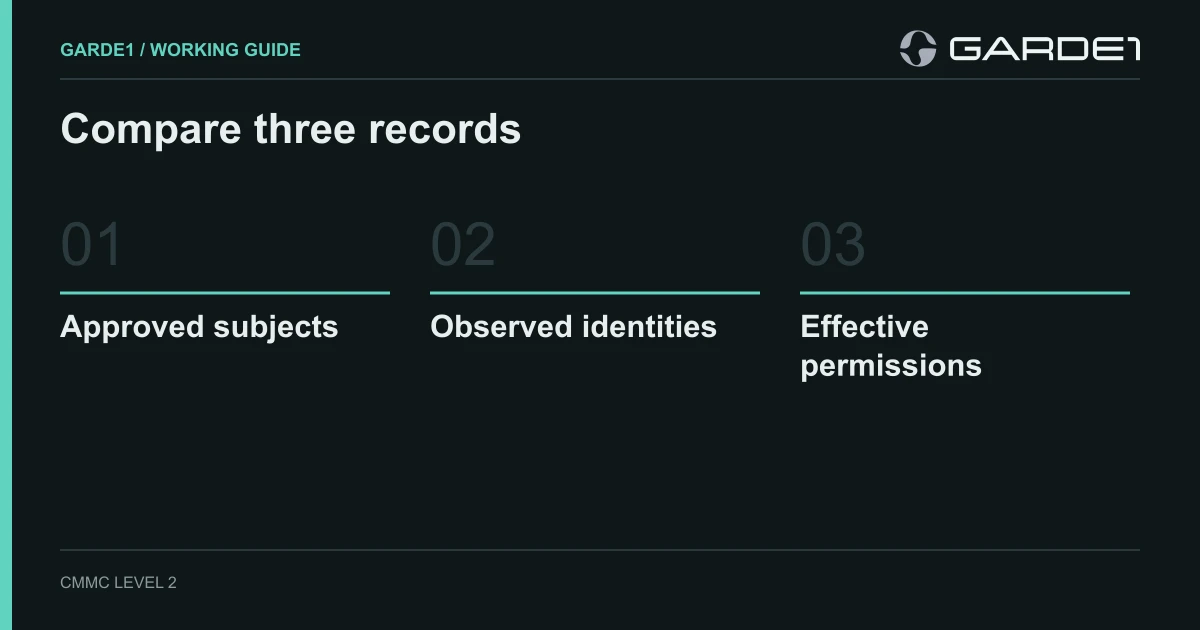
Start with the gap between the people you approved and the people who can actually open your controlled files. If nobody has compared those two lists this year, expect them to differ. Closing that difference costs nothing, takes an afternoon, and covers most of the first requirement an assessor will check.
That requirement is the CMMC rule that only approved people, programs, and devices get into the systems holding CUI (controlled unclassified information: the drawings and technical data a defense customer marks as sensitive). CMMC is the Defense Department's cybersecurity certification for contractors, and this one requirement, 3.1.1, is worth 5 of the 110 points on your score (how scoring works). A leftover account is also the easiest way for a drawing to leave the building without anyone noticing. Rewriting your access control policy can wait.
Eight approved, nine inside
The engineering manager says eight engineers work on the prime's program. Your admin pulls the member list of the SharePoint site (the shared file library in Microsoft 365) where the drawings live and finds nine people, plus an app called "BackupSvc" that can read everything.
The ninth person could be three different things, and each gets a different fix. It might be an admin added to troubleshoot something in March; then the question is whether they still need it. It might be a guest from a supplier whose project ended; then the access comes out today. Or it might be a second account for one of the eight, created when someone's email address changed; then you disable the duplicate.
The backup app is a different kind of problem. Deleting it would break your ability to restore files, so leave it running. Find out who set it up and write down that it's approved, who owns it, and why it needs to read the whole site. That's all the requirement asks about a program working on your behalf: know it, approve it, limit it.
The assessor's guide for 3.1.1 splits it into exactly these pieces: identify approved people, approved programs, and approved devices, then show access is limited to each (NIST SP 800-171A). A list of people covers one of the six. One requirement worked end to end
Admin accounts next
Next, count the people who hold Global Administrator, the Microsoft 365 role that can do anything. Microsoft recommends fewer than five, all using multi-factor login, and shows a warning on the Entra overview page if you have five or more (Microsoft: best practices for Entra roles). Entra is Microsoft's account system. At a 30-person company we'd expect two named admins plus two emergency "break-glass" accounts kept for lockouts, and nobody using an admin account to read email.
Every extra Global Admin is someone who can reset an engineer's password and open everything the engineer can. Assessors check this under least privilege (3.1.5) and restricting admin functions (3.1.7). Admin paths in detail
Departures last, because they hide
When someone leaves, their main account usually gets disabled. What survives is everything else: the VPN login, the account on the CAM software vendor's portal, the guest link to the prime's file share, the local admin account on the shop-floor PC. Requirement 3.9.2 covers protecting CUI when people leave. Pick the last person who left and check each of those by hand. Whatever you find becomes the checklist for the next departure. Splitting departures with an MSP
The quarterly review, in one hour
Once a quarter, your admin pulls five lists for the systems that hold CUI. The manager marks each line keep, remove, or ask. The admin makes the removals and pulls the lists again. File both pulls, the marked-up copy, and the date.
| List | Where the admin gets it in Microsoft 365 |
|---|---|
| Site members | SharePoint admin center → Active sites → the site → Membership (Microsoft) |
| Group members and guests | Entra admin center → Groups, and Users filtered to guests |
| Admin roles | Entra admin center → Roles & admins → Global Administrator and the other privileged roles |
| App permissions | Entra admin center → Enterprise applications → the app → Permissions |
| Sharing links | On the site: Settings → Site usage → Run report (Microsoft) |
That second pull is the one people skip. A manager's "remove" that never reached the system is still an open door, and an assessor checks the system, not the spreadsheet.