
Updated September 29, 2026
Everything a sensitive drawing touches, plus everyone who can change who sees it. That set of places and people is your "boundary," and it decides how much of your company gets inspected, secured, and paid for.
Some background first. A defense prime that sends you drawings marked CUI (controlled unclassified information: the drawings, specs, and technical data the government marks as sensitive) is trusting you to protect them. Under CMMC (the Defense Department's cybersecurity certification program), an outside assessor checks that protection, and the boundary is the map they check it against. Draw it too small and the assessor finds a place you left off, which can sink the assessment and the contract behind it. Draw it too big and you're paying to lock down finance and recruiting, who never see a drawing.
Most small shops run everything in Microsoft 365, and their boundary diagram says "Microsoft 365." That won't survive the assessor's first question, and neither will assuming Microsoft covers the requirements that sit on your side. (Shops on Google have their own version of this map.) The fastest way to draw a real one is to follow one drawing from the day it arrives.
(The July 2026 pause in CMMC contract clauses changed the certificate timeline, not this work. What the pause changed.)
One drawing, start to finish
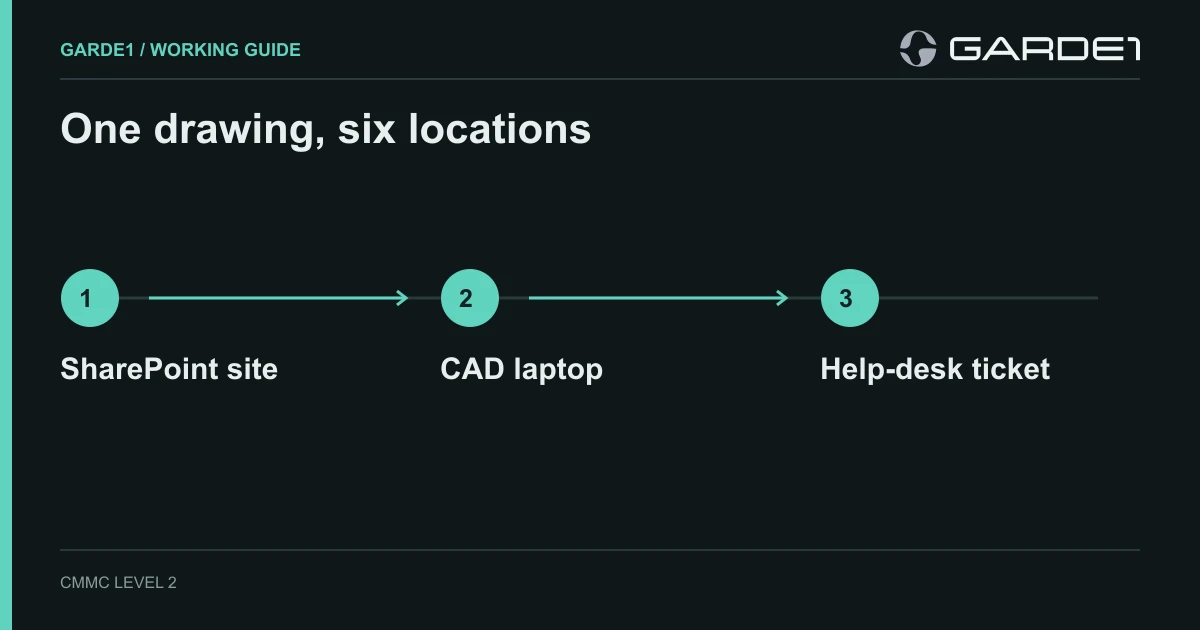
Take a 30-person machine shop. A prime emails a controlled drawing to an engineer. She saves it to the Project A site, SP-ENG-01, a SharePoint site (Microsoft's shared file library) that sits behind a Teams channel. She opens it in CAD on her laptop, ENG-07. The CAD license server throws an error, so she screenshots it, drawing and all, and opens a ticket with the MSP (managed service provider: the outside IT company that runs your computers). Overnight, the backup service copies SP-ENG-01. Finance and recruiting share the same Microsoft account, the "tenant."
| Where the drawing went | Why it's in the boundary |
|---|---|
| Her Outlook mailbox | Received and stored the drawing |
| SharePoint site SP-ENG-01 | Stores the drawing |
| Laptop ENG-07 | CAD keeps local and cached copies |
| The MSP's help-desk ticket system | Now holds a screenshot of the drawing |
| The backup service | Copies the drawing to its own storage |
| Entra ID (Microsoft's sign-in system) and anyone with an admin role | Can reset her password or change who can open the site |
The last two rows are the ones people leave off. An admin who can reset the engineer's password can open everything she can, so that admin's account is in the boundary even if they have never seen a drawing. The ticket row is how most shops find out they have a second, unplanned place holding CUI. Either give the help desk a drawing-free way to report problems (error code, machine name, time) or bring the ticket system into the boundary and secure it too. We cover that fix in CUI in email, file sharing, and tickets.
Two settings that close most of the leaks
The first stops anyone outside the company from being sent a link to the engineering site. While guest sharing is on for that site, an engineer can send a drawing to a Gmail address from the Share button. After this change, she can't.
Admin note: SharePoint admin center → Active sites → SP-ENG-01 → Settings → More sharing settings → "Only people in your organization." (Microsoft: change a site's sharing)
The second keeps drawings off personal laptops. People can still view files in a web browser from home, but they can't download, print, or sync them. This one applies to the whole company, so tell finance before you flip it.
Admin note: SharePoint admin center → Policies → Access control → Unmanaged devices → "Allow limited, web-only access." (Microsoft: control access from unmanaged devices)
Then prove both work. Drop a harmless file with an obvious name like TEST-NOT-CUI into SP-ENG-01 and walk it through the same route: email it, save it, open it on ENG-07, try to sync it on a personal laptop, try to share it with a Gmail address, restore it from backup. Screenshot each result. Those screenshots are better evidence than any policy paragraph. Then check that the tenant's audit log is on and kept long enough; cloud audit logs have gaps of their own.
The laptop, or a virtual desktop instead
ENG-07 is in the boundary because it opens the file. That means three separate jobs: the MSP enrolls it in device management (Intune for Windows, Jamf for Macs) so its settings are controlled centrally, turns on disk encryption, and runs EDR (endpoint detection and response, the modern antivirus that watches for attackers). A CrowdStrike agent on the laptop doesn't prove the laptop is managed. Mac pairings that hold up
If you'd rather keep laptops out of the boundary, run the CAD work on a virtual desktop: a computer in the cloud that the laptop only displays, like a remote screen. The CMMC rule says the laptop stays out only if it gets nothing beyond keyboard, video, and mouse (32 CFR 170.19). Your MSP turns off copy-and-paste, drive mapping, printing, and file transfer in the virtual desktop settings, then tests each one.
Which version of Microsoft 365 to run is a separate decision: Commercial, GCC, or GCC High, and how many requirements each one carries for you. Some shops skip it by moving only CUI email and files into a separate encrypted service like PreVeil.
The paragraph for your security plan
Your SSP (system security plan: the document that describes how you protect CUI, and the first thing an assessor reads) needs a boundary statement. Once the table is filled in, it fits in a paragraph an admin can test:
Engineering CUI is received in [mailbox], stored in [SharePoint site], and processed on [devices or virtual desktops]. Access is limited to [group]. [Services] provide sign-in, endpoint protection, logging, and backup. [Other departments] do not receive CUI; [the two settings above] enforce that.
Nobody has ever passed an assessment because of a folder named CUI. They pass because every bracket in that paragraph points at something real.