
Updated September 29, 2026
You have three quotes on the desk. One is for data-loss prevention software that watches for sensitive files leaving the company. One is for an enclave, a separate walled-off computer setup just for controlled work. One is for a secure file-transfer service. Each vendor is sure theirs is the one you need. Don't pick until you've followed one real job from start to finish and written down every place the controlled drawing went. It takes an afternoon. Then buy for the steps that leak, and only those.
The drawing in question is CUI (controlled unclassified information): the drawings, specs, and technical data the government marks as sensitive. Every computer, account, and service it touches has to meet the Defense Department's security requirements, so every place it goes is a place you pay to protect. If you can't say where your drawings go, the quotes on the desk are priced to cover that uncertainty.
You'll need the map anyway. The written security plan the government expects, called a system security plan or SSP, has to describe where your controlled systems start and stop and what they connect to, and CMMC assessors expect a network diagram showing every system involved. Drawing the map first is cheaper than drawing it after you've bought the wrong thing.
Pick one job and follow it
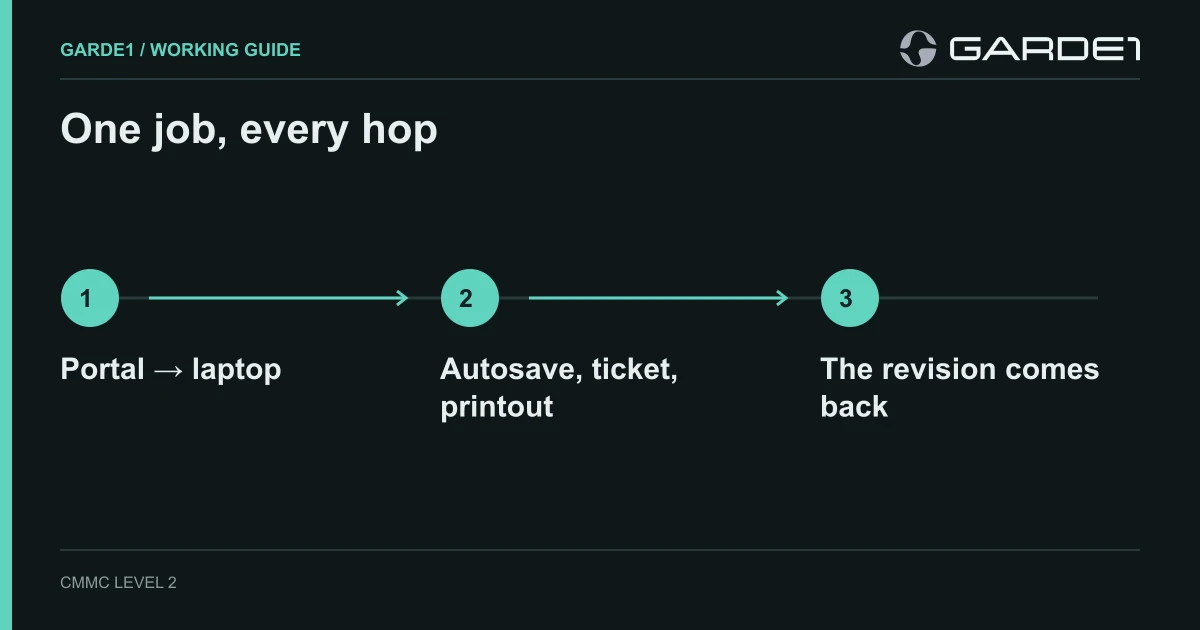
Choose a job you ran last month, with a real part number and a real customer, not a made-up "typical workflow." Sit with the engineer who did it and ask them to show you, click by click, what happened. Where did the drawing arrive? Where did they save it? Who else opened it? How did the revision come back? Where is it now?
Write each step as one line, in the same shape every time:
Prime portal → ENG-07 Downloads folder. Drawing PDF, downloaded by J. Ortiz, copy stays in Downloads. Owner: engineering lead.
The prime is the larger contractor who sent you the job. From where, to where, what moved, how, what copy it left behind, and who owns it. If you can't fill a field, write the question instead. "Does the backup include the engineering library? Ask the MSP (our outside IT provider) by Friday" is a line you can close. "Backup: TBD" never gets closed.
The steps people leave off
The drawing's main path is the easy part. The map pays for itself on the trips nobody draws:
- The return trip. The supplier sends the revised file back by email, even though it went out through the portal. Now there's a mailbox in the path.
- The copies the software makes. CAD autosave, the recent-files list, the crash report that offers to upload "diagnostic data" to the vendor.
- The help desk. An engineer pastes a screenshot of the drawing into a support ticket, and the ticketing system is now holding CUI.
- The printout. Paper at the machine, clipped to a fixture at shift change.
- The backup, and who can restore it to a different machine.
- For a software team, the build path: source, build servers, and the packages they produce.
Then add the people and tools that can reach the drawing without moving it: whoever can reset the engineer's password, your IT provider's remote-control tool, the antivirus console, the backup administrator. None of these hold the file, but each could open it, which is why assessors treat them as Security Protection Assets and put them in scope. Put them on the map labeled with what they can do, not as file arrows. Which admin accounts pull systems in
Check the map against three people
Ask the engineer who does the work, the admin who runs the systems, and the owner who signs off on the process. Each will describe the same job differently. Where their stories disagree, you've found a step. It's usually the engineer who knows that big files go through a personal transfer account because email bounces them. Put it on the map. If the policy says otherwise, the policy is what needs to change.
Before you trust the map, run the job once more with a harmless marker file and search for it everywhere afterward. The marker-file test
Now read the quotes
Go down the map and mark each step one of three ways: controlled by a setting you can show someone, controlled by a procedure people actually follow, or open. The open steps are your shopping list.
In a lot of small shops, that list turns out shorter and stranger than the quotes. Two SharePoint sharing settings, a change to where CAD autosaves, a help-desk form that stops asking for screenshots, and a lock on the printer tray. Data-loss software doesn't fix the supplier's reply email. A narrower path does. Whatever you buy, it has to close a line on the map, and every product you add brings arrows of its own.
The finished map feeds three things you need anyway: the asset list for your scope, the network diagram, and the boundary section of your SSP. Use the same computer and system names in all three, so an assessor can follow one from page to page.
For whoever writes the SSP: this map is the evidence behind requirement 3.12.4 of NIST SP 800-171, which asks the plan to describe "system boundaries" and "the relationships with or connections to other systems" (NIST SP 800-171 Rev. 2), and behind the CMMC rule that every in-scope asset appear on a network diagram (32 CFR 170.19). The Security Protection Asset category comes from the same section.