
Most small contractors ask this after someone has already told them "everything is in scope," usually right before quoting them for everything. Your scope is every person, device, place, and service that stores, uses, or sends controlled unclassified information, plus whatever protects those things. Headcount has nothing to do with it. For a 24-person machine shop, that usually means six laptops, one file site, two shop terminals, a printer, and the services that guard them.
Controlled unclassified information, or CUI, is the drawings, specs, and technical data the government marks as sensitive and hands you to do the work. If you're not sure your paperwork is CUI at all, sort FCI from CUI first. CMMC (the Cybersecurity Maturity Model Certification) is the Defense Department's program for checking that you protect it. Scope is the list of what gets checked.
Why scope decides your cost
The asset category determines which requirements and evidence apply. CUI Assets are assessed against all applicable Level 2 requirements; Security Protection Assets are assessed against requirements relevant to the protection they provide. Contractor Risk Managed Assets and Specialized Assets have different documentation and assessment treatment, shown below. A cloud service that holds CUI also needs the required FedRAMP Moderate authorization or equivalency evidence. Expanding the boundary adds assets to document and assess, but it does not make every asset subject to identical checks.
Get it wrong in the other direction and it costs more. If an assessor finds CUI on a machine you called out of scope, your inventory is wrong, your System Security Plan is wrong, and every score built on them is in question. For a certification assessment, that can mean a failed result and a second assessment fee. For a self-assessment posted in SPRS (the Defense Department's score website), it means you affirmed something untrue. What an unsupported score costs →
The right scope is the smallest one that matches how your work actually moves. Not the smallest one you can write down.
The five categories the rule defines
The CMMC rule sorts every asset into one of five categories, and the category decides how hard the assessor looks at it (32 CFR 170.19). "Asset" means anything: a laptop, a cloud service, a printer, a person, the building.
| Category | What goes here | What you do | What the assessor does |
|---|---|---|---|
| CUI Asset | Stores, uses, or sends CUI, including printing it and keeping it on paper | Inventory it, describe it in the SSP, put it on the network diagram | Checks it against all Level 2 requirements |
| Security Protection Asset | Protects the CUI assets: sign-in, antivirus, firewall, backup, your MSP's tools and staff | Same three documents | Checks it against the requirements tied to what it does |
| Contractor Risk Managed Asset | Could reach CUI, but your policies and settings keep it from doing so | Same three documents | Reads your documentation; may run a limited check if something looks off |
| Specialized Asset | CNC machines, test equipment, other operational technology, government-furnished equipment | Same three documents, and show how you manage it | Reads the SSP only |
| Out of scope | Can't reach CUI and doesn't protect anything that can | Be ready to explain why | Nothing |
SSP means System Security Plan, the document that describes your systems and how you meet each requirement. MSP means managed service provider, the outside IT company many small shops use.
The costly mistake sits in the middle row. People treat Contractor Risk Managed Assets as out of scope and leave them off the inventory. They are in scope with lighter proof. A missing one makes the assessor wonder what else is missing, and if your documentation raises questions, the rule lets the assessor check it against the requirements directly.
Two details from the DoD Level 2 Scoping Guide save arguments later. Contractor Risk Managed Assets don't need to be walled off from CUI assets; only out-of-scope assets need real separation. And the guide lists people and places as protection assets, not just technology: the MSP technicians who maintain your systems and your office building itself.
Scoping a 24-person machine shop
Here is the method applied to one shop. Six engineers receive controlled drawings from a prime. Ten machinists work from printed travelers (the paper packet that follows a job across the floor). Everyone else runs purchasing, finance, and the front office. One Microsoft 365 tenant, one MSP, one cloud backup service.
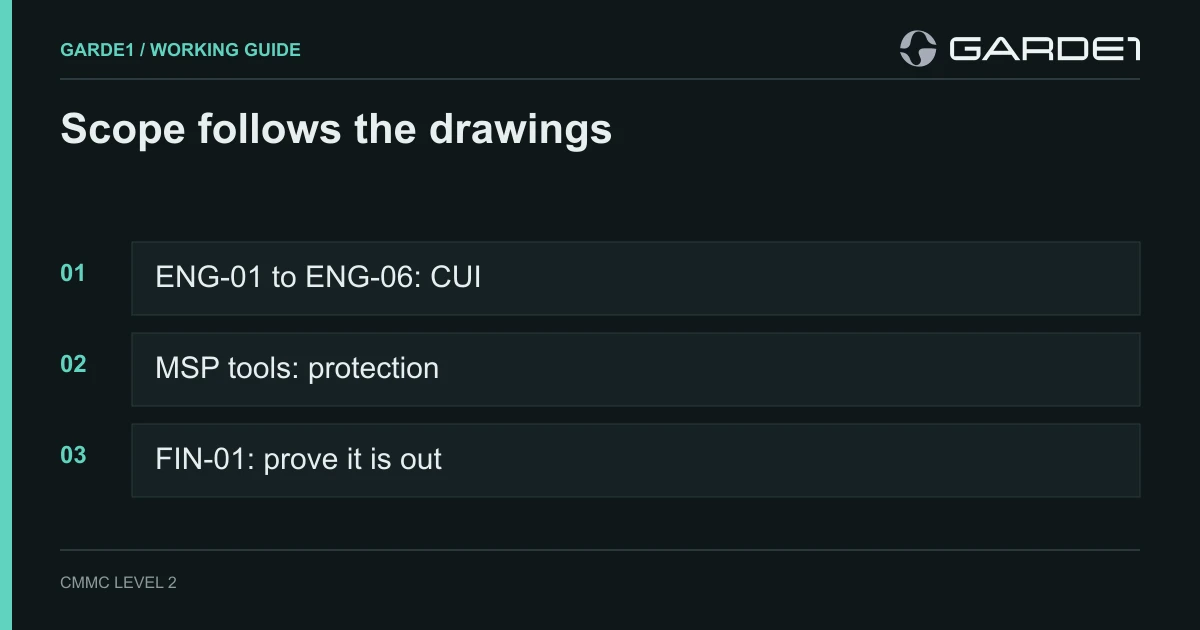
Start where CUI arrives. For this shop, drawings come by email from the prime and through the prime's supplier portal. Both land on the engineering laptops, ENG-01 through ENG-06.
Then follow one job to the end. A drawing goes from the email to the engineering SharePoint site, from SharePoint to CAM software (which turns a drawing into a machine program) on the engineers' laptops, then to the two shop-floor terminals that display it, then to the printer that makes the travelers, and finally to three CNC machines that receive the programs. Every stop is in scope. To run this with a dummy file, use the walk-one-job method.
Now sort what you found. The engineering laptops, the SharePoint site, both terminals, and the printer are CUI Assets. The Microsoft 365 mailboxes that receive drawings are CUI Assets too. The three CNC machines are Specialized Assets: they get listed, drawn, and described, but they aren't checked against the full list of requirements.
Next, add what protects them. Microsoft Entra ID (the sign-in system), the antivirus console, the MSP's remote-management tool and the accounts that use it, the firewall, and the backup service are Security Protection Assets, because each one can see or change what happens on those laptops. So are the two MSP technicians who hold admin rights, and the building.
Then test every maybe. The finance laptop, FIN-01, is where people get sloppy. "Finance doesn't open drawings" is a habit, not a control. Sign in as the finance user and try to open the engineering site. Forward a test drawing to the finance mailbox and see whether it arrives. If both are blocked by a setting you can show, FIN-01 is out of scope. If only the habit stops it, FIN-01 is a Contractor Risk Managed Asset, and it goes on the list.
Last, write down what's open. Anything you can't answer yet goes on the list with a name and a date: "Backup scope unknown. Mike to get the service description from the vendor by Oct 10." "Backup excluded," with no reason, reads like you hoped nobody would ask.
Your MSP and your cloud services
Outside providers are where small-company scopes grow without anyone noticing. The rule sorts them by two questions: does the provider hold your CUI, and does it hold your security data, meaning logs, configuration settings, and passwords (32 CFR 170.19(c)(2)).
A cloud service that stores CUI must be FedRAMP Moderate authorized or equivalent, and that includes the marketplace app someone added to your tenant. FedRAMP is the government's security authorization program for cloud providers, and the FedRAMP Marketplace lists who has it. What "equivalent" means →
An MSP that manages your systems holds security data at minimum, so the parts of its service you use are in your scope as protection assets. The assessor will look at its remote-management tool, the accounts it uses, and how it protects them. If the MSP also stores CUI, its services are assessed as part of your assessment. Either way, your SSP has to describe what the MSP does, and the MSP should give you a customer responsibility matrix, a table that says which requirements it handles and which stay with you. Which providers belong in scope →
Your payroll and accounting software is usually out. The scoping guide says HR and accounting cloud services "typically" don't count, because they don't touch CUI or protect anything that does. Check yours anyway. If someone attaches drawings to purchase orders in your ERP (the system that tracks jobs, purchasing, and inventory), the ERP is a CUI asset.
Enclave or whole company
An enclave is a separate, smaller environment built just for CUI: its own laptops, its own file site, sometimes its own Microsoft 365 tenant. The rest of the company stays out of scope. Company-wide tools the enclave relies on, such as the antivirus console, come into scope. The rest of the company's systems don't come in with them.
Our rule of thumb: if fewer than half your people touch CUI, an enclave usually pays for itself. If more than half do, scope the whole company and stop paying to maintain a wall. An enclave people route around is worse than no enclave, because the CUI ends up on machines your documents say it never reaches. Enclave vs. whole company, in full →
Level 1 scope is simpler
If your contracts only involve FCI (federal contract information: non-public details about the contract itself, such as pricing and delivery schedules) and no CUI, you're at Level 1. Scope is every system that stores, uses, or sends FCI. There are no protection or risk-managed categories, and specialized assets like shop-floor machines are left out entirely (32 CFR 170.19(b)). Which level applies to you →
What you hand the assessor
The finished scope is one paragraph and two attachments. The paragraph names the information, the people, the locations (including a second plant that shares your IT), the systems, the providers, and what you excluded and why. The attachments are an asset inventory (ID, what it's for, category, reason, owner) and a network diagram that uses the same IDs.
The scoping guide says you don't have to list every asset inside the SSP; the inventory carries that. The SSP describes how each category is treated. The requirement behind the SSP (3.12.4) asks it to describe your system boundaries, your environment, and connections to other systems (NIST SP 800-171 Rev. 2). If the inventory, the diagram, and the SSP disagree about one laptop, the assessor stops trusting all three. Keep the SSP and SPRS describing the same thing →
Garde1 does this part for you. Onboarding asks where CUI lives and who touches it, then builds one scope and records each asset's category. Your SSP, including its boundary diagram, network topology, and CUI data flow figures, your 14 policies, and your mock assessment all read that same scope, so they can't disagree about which laptops are in it.
Where the missing systems hide
Three conversations find most of what an inventory misses. Ask the MSP which accounts can reset an engineer's password; those accounts are in, along with whatever system they sign in to. Which admin paths pull systems in → Ask an engineer what they do when a file is too big for email. Ask a machinist where the printed traveler goes at shift change. The answers are usually a personal file-sharing account, a USB drive, and a filing cabinet, and all three belong on the list. Software teams have one more place to look: the build path that compiles controlled code.
Common questions
Are employees' personal phones in scope? If the phone can open the mailbox or file site that holds CUI, yes, as a CUI asset. Either bring it under management or block that access with a setting you can show. Personal devices and CUI →
Are CNC machines and test equipment in scope? Yes, as Specialized Assets. You list them, draw them, and describe in the SSP how you manage them, but the assessor doesn't check them against the full requirement list. The workstation that sends them programs is a regular CUI asset. One way to set up the shop floor →
Can I just put the whole company in scope? You can, and for some shops it's the right call. You'll then owe proof for every requirement on every laptop, phone, and account, including the ones that never see a drawing. Decide on purpose, not by default.
Do I need a network diagram? Yes. The rule requires one covering every in-scope category. It doesn't need to be elaborate. It needs the same asset IDs as your inventory and lines that show where CUI moves.
What happens if my scope changes after the assessment? Adding or replacing laptops inside the same boundary, following your existing SSP, is covered by your annual affirmation. A significant change, such as expanding the network or buying another company, requires a new assessment, according to the scoping guide. When a tool or MSP change counts →
Does paper count? Yes. The scoping guide counts CUI on paper as stored and printing as processing. The printer, the filing cabinet, and the shredder bin are part of your scope.
Do this next
- Name the person who receives CUI from each customer, and write down how it arrives.
- Follow one real job from arrival to the shop floor, and list every stop. (A machine shop's stops, walked in order →)
- Put every stop in the inventory with a category and a one-line reason.
- Test each "maybe" machine by signing in as its user and trying to reach the CUI.
- Ask your MSP for its customer responsibility matrix and the list of accounts that can administer your systems.