
Updated September 29, 2026
Your best designer works from her own Mac and has no interest in carrying a second laptop. She can keep it, as long as all it does is show her a locked-down virtual desktop. The files stay on a company computer in the cloud. Her Mac only sees the picture.
The files in question are CUI (controlled unclassified information: the drawings, specs, and technical data the government marks as sensitive). Under CMMC, DoD's security program for its suppliers, every device that can store, process, or send CUI is "in scope." An in-scope device has to meet all 110 of the program's security requirements, which means company management, encryption, antivirus, and records to prove it. A personal laptop you don't control can't meet them. If an assessor finds CUI on it, that's a failed requirement, and it's a drawing sitting on a machine you can't wipe when she leaves.
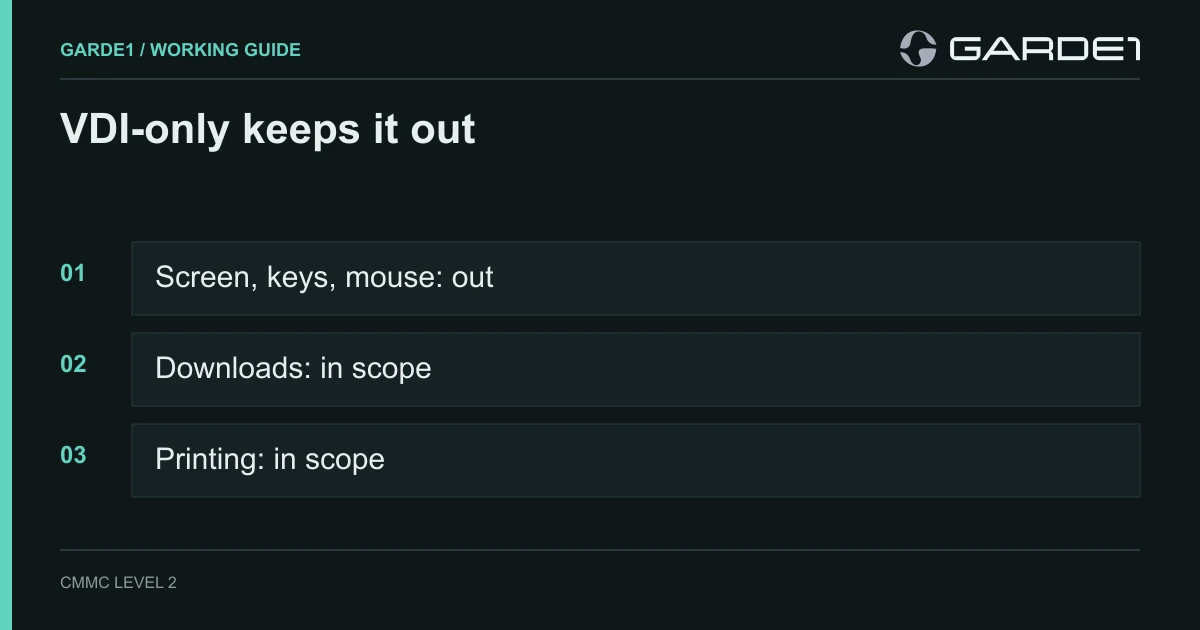
The rule offers one clean way out. A laptop running a virtual desktop "configured to not allow any processing, storage, or transmission of CUI beyond the Keyboard/Video/Mouse sent to the VDI client is considered an Out-of-Scope Asset" (32 CFR 170.19(c)(1)). VDI (virtual desktop infrastructure) means the desktop runs on a company server; her laptop sends keystrokes and mouse clicks and gets back a picture. The moment that laptop can download, print, copy, or sync a file, it's back in scope.
Who paid for the laptop doesn't matter. What it can do with the file does.
If you're the MSP building the session
The owner can skip to the next heading. This part is for whoever sets up the virtual desktop.
In Azure Virtual Desktop, redirection is controlled by the host pool's RDP properties (supported RDP properties). Set these explicitly rather than trusting defaults:
redirectclipboard:i:0
redirectprinters:i:0
drivestoredirect:s:
usbdevicestoredirect:s:
redirectcomports:i:0That turns off the clipboard, printers, local and network drives, USB devices, and serial ports. Then close the paths RDP doesn't cover. Block downloads and personal OneDrive sync inside the session's browser and Office apps. Require MFA at sign-in, which requirement 3.5.3 asks for on network access anyway. Other VDI products have the same switches under different names.
Test it on her laptop, not yours
Run the test the way an assessor would: from her actual Mac, signed in as her, with a dummy file. Try to copy text out of the session. Look for her own drives inside the session. Try to print. Try to save to her desktop and to her personal cloud storage. Take a dated screenshot of each attempt failing. A demo by your MSP on a different laptop only proves the MSP's laptop is fine.
The print request
Two months in, she asks to print at home. Once a drawing can print, the session is no longer keyboard, video, and mouse only. Her laptop, her printer, and the paper are all in scope, and her desk now falls under the physical rules for alternate work sites.
Our position: say no, and offer a company-managed laptop to anyone whose job truly needs printing or offline work. Decide by role, not by who asks loudest. One exception granted informally in March becomes the assessor's finding in November.
If a personal device has to hold CUI
Then it's a company device in everything but the receipt. Enroll it in your device management (Intune or similar), install your endpoint protection and full-disk encryption, apply your standard settings, and get a signed agreement that lets you wipe company data and inspect the device if it's lost or she leaves. Most people decline once they read that agreement, which answers the question.
Keep the decision on paper
For each person, write one line: name, device, approved route (virtual desktop only, or company-managed), the settings you tested, the test date, and who approved it. A new laptop, a changed virtual desktop setup, or a new print request reopens the line. If any test ever leaves a CUI file on her laptop, the exclusion is gone until you close that path and test again.
Last, give people a way to get help when the session breaks that doesn't involve attaching a screenshot of a drawing to an ordinary support ticket. Most leaks happen through that kind of workaround. Tickets as a CUI path