
Updated September 29, 2026
Your whole company runs on one Microsoft 365 or Google Workspace account (the "tenant": one company account holding everyone's email, files, and logins), and you'd rather not buy a second one for six engineers. You don't have to. One tenant works if people outside the engineering group can't reach the controlled files, and the admins and apps that can reach them are treated as part of the protected area. Finance stays out. The IT admin and the backup app come in.
Why it's worth getting right: "scope" is the set of people, computers, and services that CMMC, the Defense Department's supplier security program, checks. Everything in scope has to meet 110 security requirements and gets looked at in an assessment. If one careless link lets the bookkeeper open a drawing, her laptop is in scope, and so is everything like it. Ten extra laptops to lock down, document, and defend to an assessor is real money and weeks of work.
The files in question are CUI (controlled unclassified information): the drawings, specs, and technical data the government marks as sensitive. One question comes before sharing. Any cloud service that stores CUI has to meet FedRAMP Moderate, the government's security baseline for cloud providers, or its equivalent, under the contract clause DFARS 252.204-7012(b)(2)(ii)(D) (48 CFR 252.204-7012). If your tenant's service can't, sharing it is beside the point. For Microsoft that's the Commercial, GCC, or GCC High decision; for Google, see Workspace and CUI.
A twenty-minute test
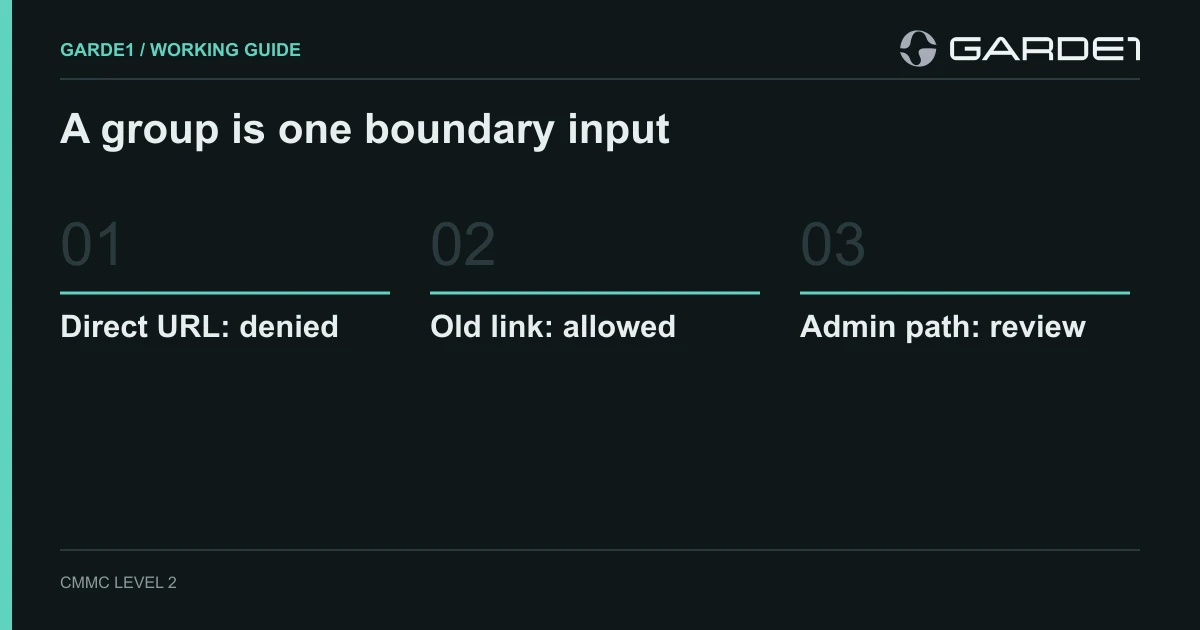
Put a dummy file on the engineering SharePoint site. Then sign in as Dana, who works in finance and has never been in the engineering group.
Dana pastes the file's address into her browser and gets "access denied." Good. Then she opens a link an engineer shared last spring using the "People in your organization" option, and the file opens. That kind of link works for anyone in the company once it's forwarded (SharePoint sharing settings). One old link has just put Dana's laptop in scope.
The fix is one setting and a cleanup. The setting makes every new link on the engineering site default to named people only. It doesn't touch links already out there, so someone has to find and remove the company-wide ones, then run Dana's test again.
In the SharePoint admin center: Active sites → the engineering site → Settings tab → More sharing settings. Clear "Same as organization-level setting" and set the default link type to Specific people (site sharing settings).
Last, sign in as a tenant administrator and add yourself to the engineering group. It works, as it should, because admins can do anything. That's why the admin account, its multi-factor login, and the laptop it signs in from count as Security Protection Assets: systems that don't hold CUI but protect it, so they're in scope too. Keep the list of full admins short. Microsoft's own advice is fewer than five Global Administrators (Entra role best practices). Which admin accounts pull systems in
The grant nobody remembers
People check humans and forget software. Over the years, someone connected a backup tool, an AI assistant, or a reporting app to your tenant and clicked "Accept" on the permissions it asked for. Some of those permissions let the app read every file in the company, engineering included, with nobody signed in.
The one to look for in Microsoft is called Sites.Read.All, which lets an app "read documents and list items in all site collections without a signed-in user" (Graph permissions). Its narrower cousin, Sites.Selected, limits the app to the sites an admin names. Any app holding a company-wide file permission is either in scope or gets narrowed. Most turn out to be a trial someone started in 2023, and the fix is deleting them.
In Microsoft Entra: Enterprise applications → each app → Permissions. Look for Sites.Read.All, Sites.ReadWrite.All, Files.Read.All, and Mail.Read.
Email is the other leak. If an engineer can forward a drawing to Dana, her mailbox is in scope, unless a mail flow rule or a sensitivity label (a tag on the file that blocks forwarding) stops it.
What "out of scope" has to survive
When you're done, keep three short lists: the people allowed to handle CUI, the systems that hold it, and the services that manage or protect those systems. Everything else is out of scope only if it survives one question: what would have to change for this system to reach CUI? If the honest answer is "someone clicks Share," you're not done.
Buying a second tenant doesn't skip this work, whatever the quote for it implies. Guest invitations, trust settings between the two tenants, and one admin account your outside IT provider (your MSP) uses for both can still connect them (Entra cross-tenant access). Two plants run by one IT team hit the same problem.